FeatherClick
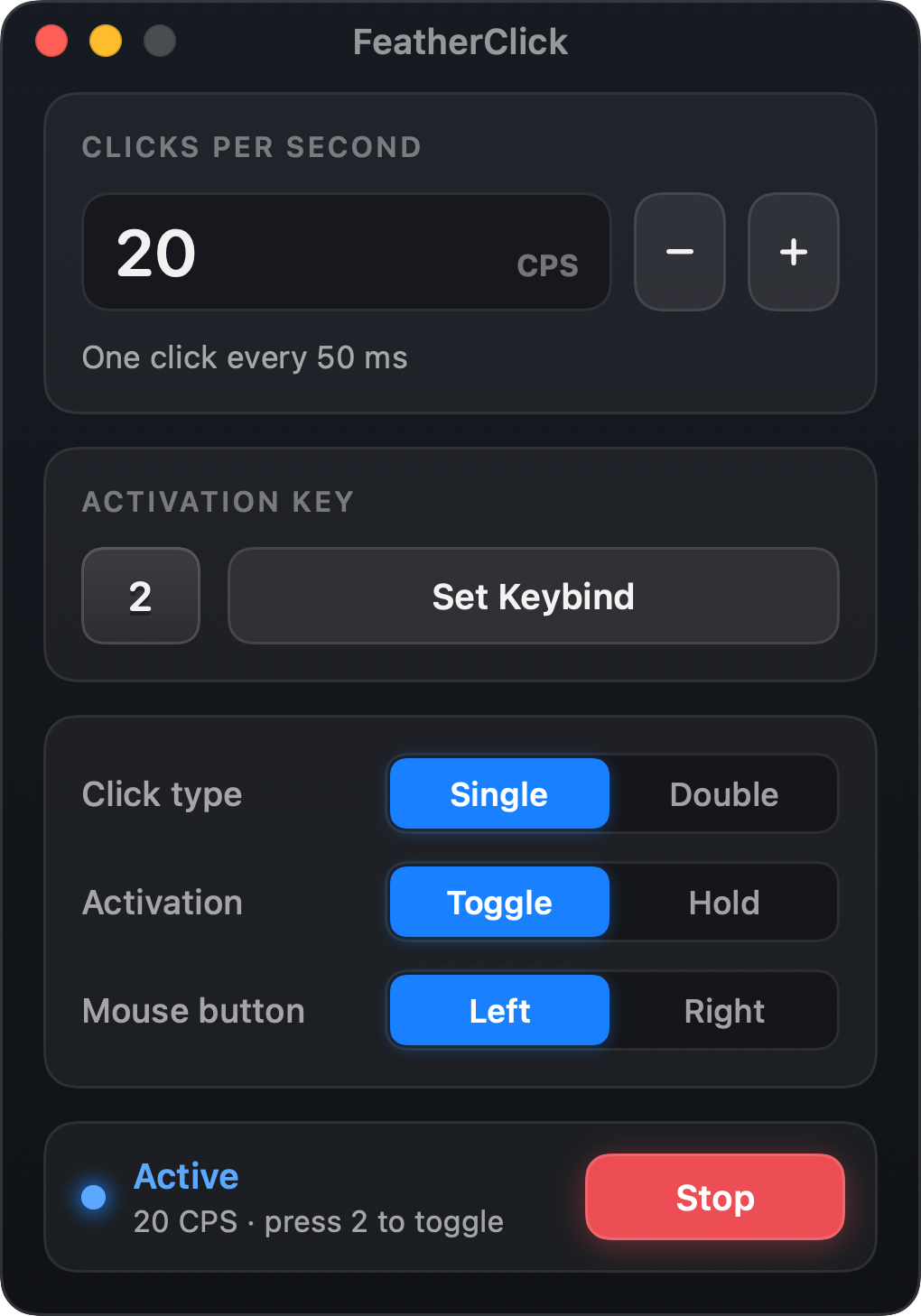
Click faster.
Never lag.
FeatherClick is a featherweight native autoclicker built for Minecraft on Mac. Type your CPS, press your key, and it clicks exactly that fast, right where your cursor is, without costing your game a single frame.
Built for how you actually play.
Bind a hotbar key and keep playing. Your key still reaches the game, so pressing 2 selects slot 2 and starts clicking. It works in fullscreen or windowed, and keeps working when FeatherClick is minimized.
PvP & combat
Left click at a steady 10–20 CPS. Toggle it on with one key, or Hold it only while you fight.
Bridging & building
Switch to Right click and place blocks at exactly the rate you choose. No more sore fingers.
AFK farms
Leave it clicking for hours: even down to 0.1 CPS, with memory that stays flat and no CPU creep.
Independent project, not affiliated with Mojang or Microsoft. Follow each server's rules on autoclickers.
Your game keeps every frame.
Most autoclickers lag because they run on UI timers, hook every key you press, or freeze your mouse after each click. FeatherClick does none of that.
How late does a click fire?
Measured on an M5 MacBook with all 10 cores saturated, like a heavy Minecraft session.
tighter click timing, with no busy-waiting: the thread sleeps in the kernel between clicks.
Source: fcbench, included with FeatherClick's source code.Can't slow your keyboard
The hotkey listener is listen-only and hears key events only. macOS never waits for it.
Mouse never frozen
Local-event suppression is switched off, so your real mouse moves freely between clicks.
No click bursts
If your Mac stutters, missed clicks are skipped. They are never fired all at once.
Zero UI work
The window never redraws while you click, and the app costs ≈0% CPU when idle.
Exactly the CPS you type.
CPS is the only timing setting. No hidden 100 ms delays, no millisecond fields: the interval is simply 1000 ÷ CPS.
1000 ÷ CPS = 50 ms · one click every 50 ms
Five controls. Nothing else.
No recordings, schedules, pages or pop-ups. Everything fits in one small, beautiful window.
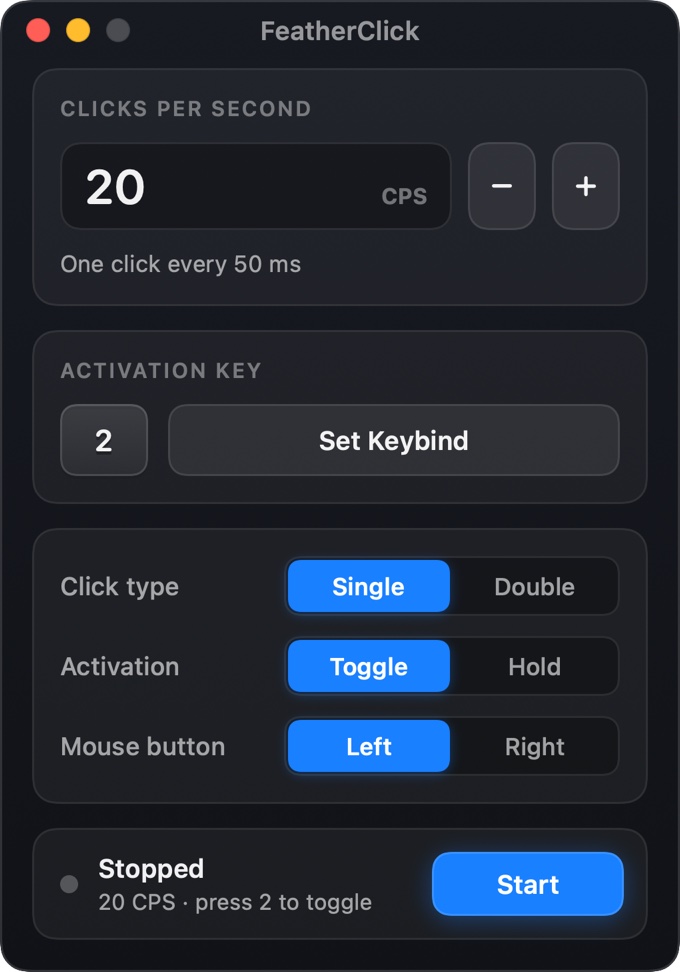
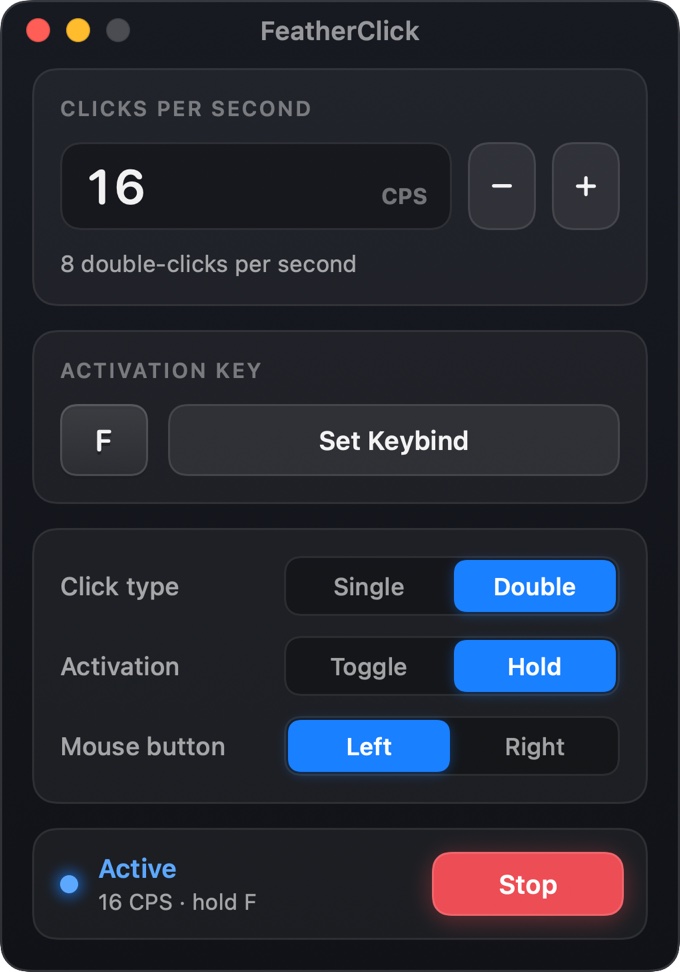
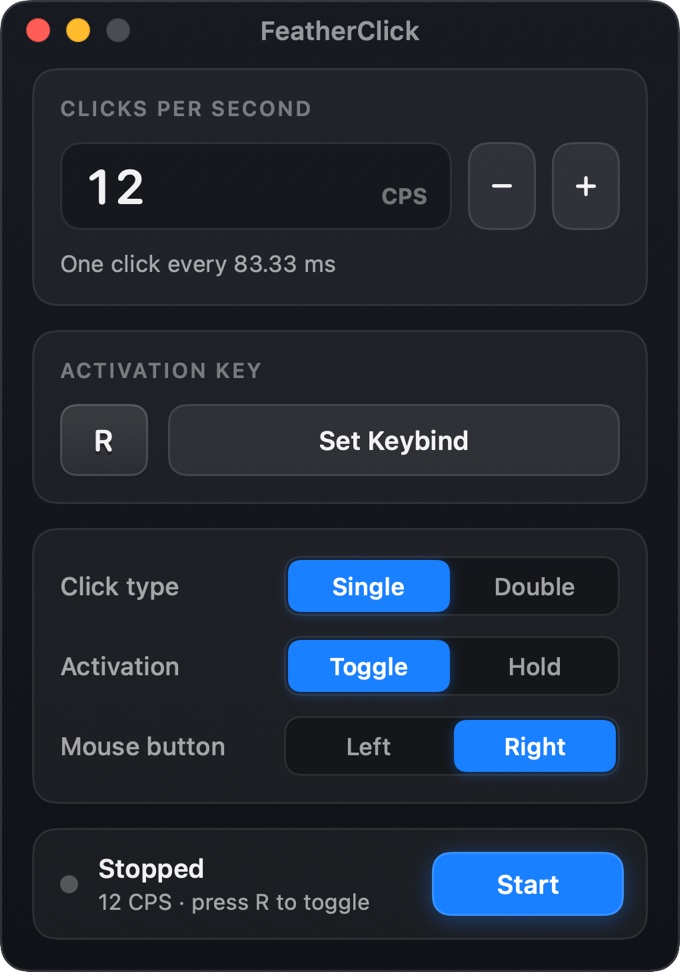
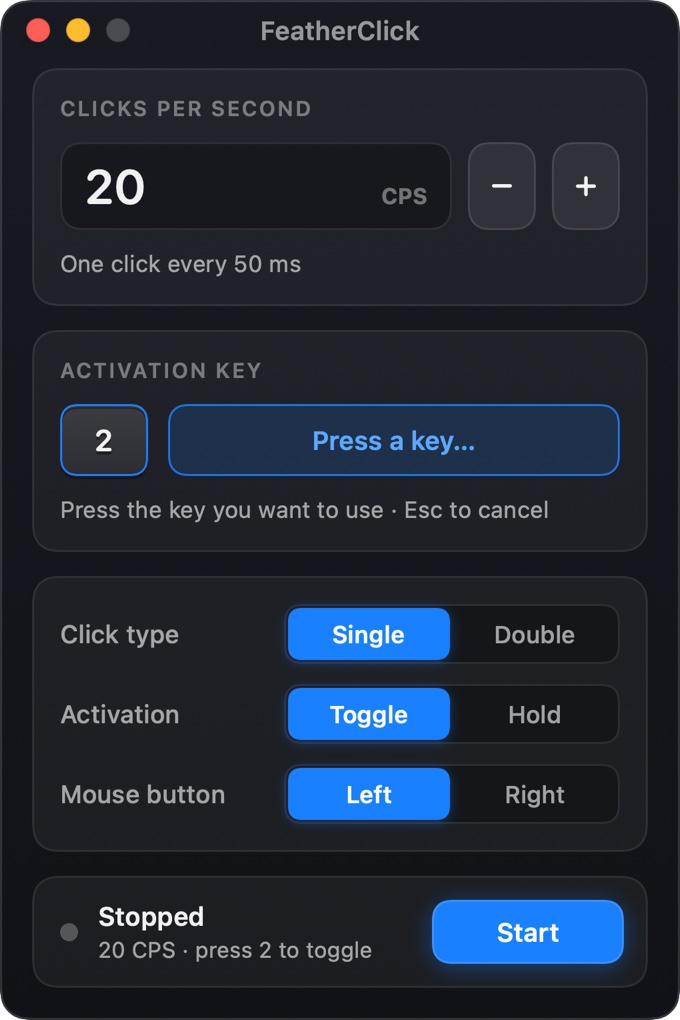
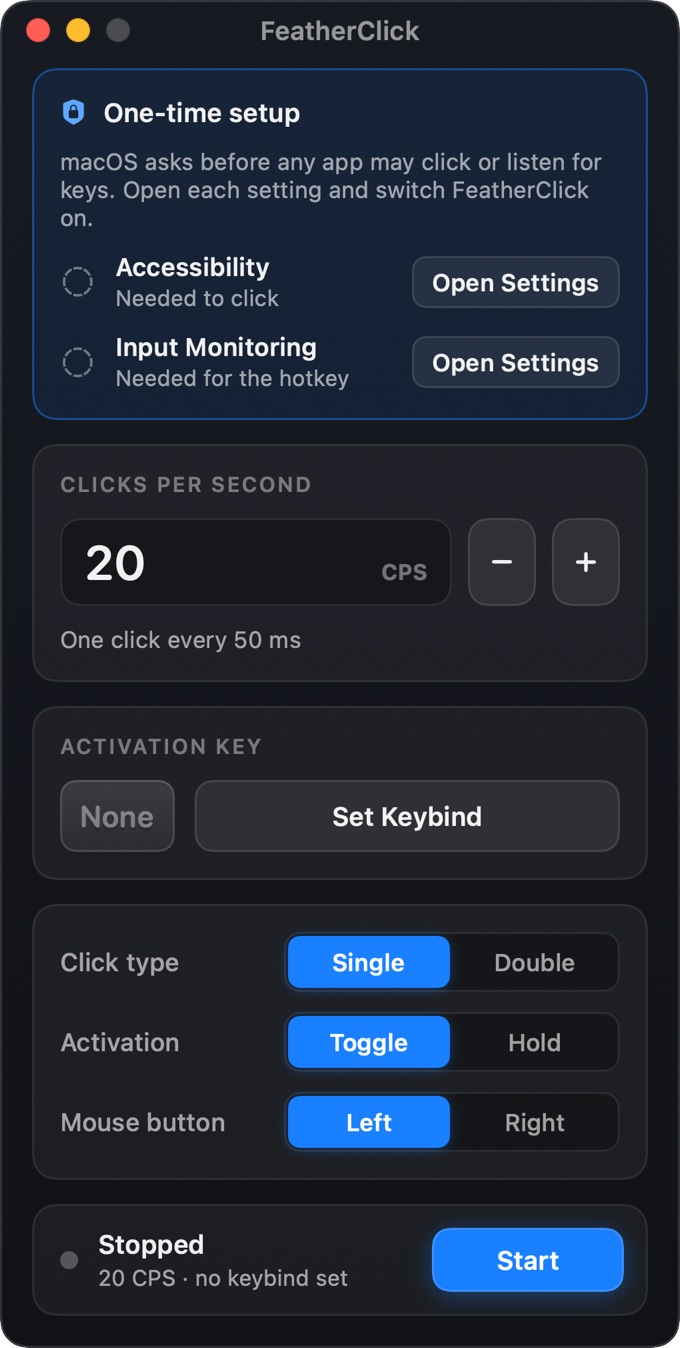
Ready in one glance
Toggle or Hold
Press once to start and again to stop, or click only while the key is held. Key auto-repeat is ignored.
Single or Double
Real double-click pairs with proper click counts. CPS always counts physical clicks.
Left or Right
Attack, mine, place and use. Each press is released after ≤10 ms, so a button is never left stuck.
Remembers you
CPS, key, click type, mode and button are saved. It never starts clicking on its own.
From download to clicking in seconds.
Type your CPS
20 is the default. The interval is calculated for you.
Pick any key
Letters, numbers or F-keys. Your key still works in the game.
Press it in game
Clicking starts instantly at your cursor. Press again, or release, to stop.
Why your old clicker lagged.
| FeatherClick | Typical autoclicker | |
|---|---|---|
| Built with | Native Swift for Apple Silicon | Electron, Mono or Python wrappers |
| Click timing | Real-time thread, ±0.01 ms | UI timers, milliseconds of jitter |
| Keyboard hook | Listen-only, never blocks typing | Active hooks that can stall input |
| Your real mouse | Never suppressed | Can be held back after clicks |
| Cursor | Follows you, re-read every click | Sometimes pinned to one point |
| After a lag spike | Skips missed clicks | Fires a burst of queued clicks |
| Hidden delays | None. CPS is the only setting | Extra 100 ms+ delays |
| Ads & accounts | None, ever | Ads, upsells, sign-ups |